If you have a second monitor on Multitrac that allows you to see 2 screens from the same PC, this story could be your root issue for Miltrac not responding. Normally a PC with only one monitor would not use this setting. But, if someone clicks the setting and reboots you may have the issue.
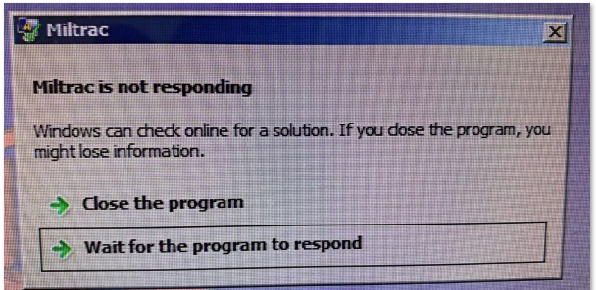
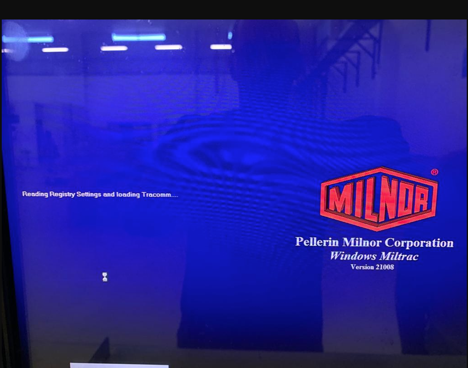
If you receive a "Miltrac is not responding" window error or if the Miltrac program is locked up upon the boot up process, the
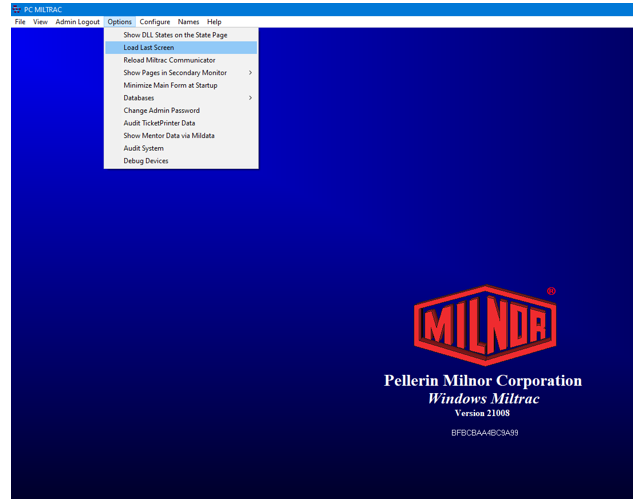
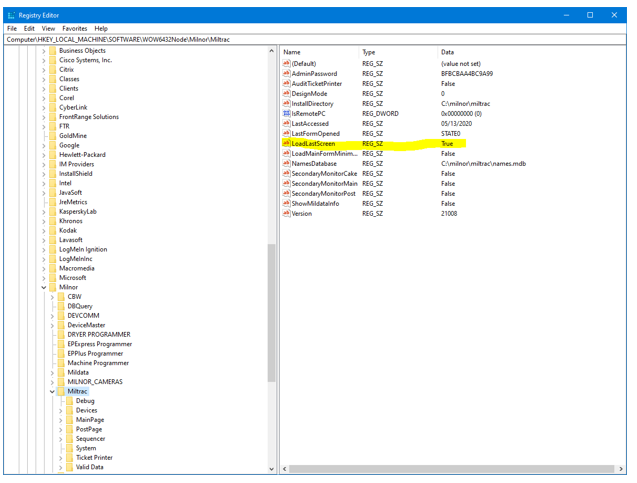
Load Last Screen option may have been selected as shown in the image below.
To fix this problem, search in Windows 10 by selecting the magnifying glass icon on the
Taskbar and type "
Regedit" then select the
registry editor application. From the search trees, go to:
HKEY_LOCAL_MACHINE SOFTWARE
WOW6432NODE
MILNOR
MILTRACThen, on the right side of the window, right click
LoadLastScreen as shown:
Select
Modify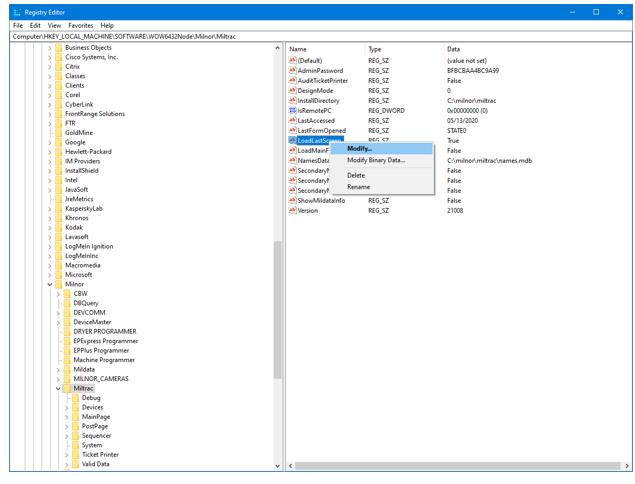
Change
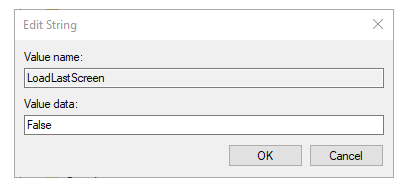
Value data to "False" then select
OK and reboot the PC