Overview
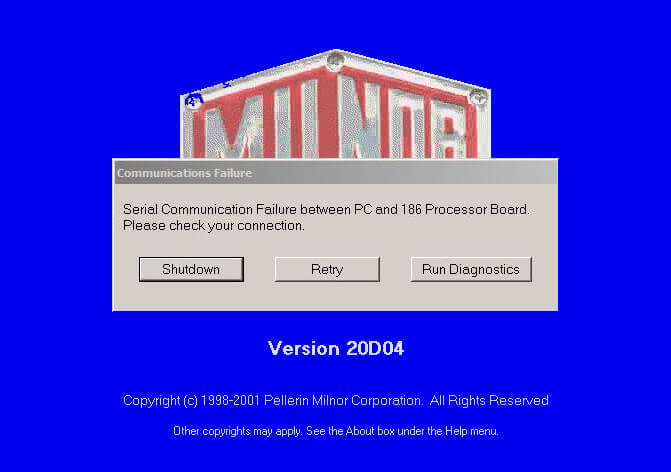
The Mentor PC communicates to the CBW processor through a serial link. This consists of four components:
- Serial port on the Mentor PC
- Serial port on the CBW processor board at MTA29
- The cable and all adapters that may make up the cabling
Processor Voltage
Always check processor board voltage first. We need to measure at the following locations.
- MTA31 - Pin 9 to pin 3 - This should be 5.10 VDC
- MTA31 - Pin 9 to pin 5 - This should be 12.30 VDC if 08BSPG1T board
Serial Port on the Mentor PC
The serial port on the Mentor PC uses COM1 for communication to the CBW. Use the Device Manager to verify the serial port COM1 is working properly.
Serial Port on the CBW Processor Board
The CBW processor uses MTA29 to communicate with the Mentor PC. Replace the serial driver with a known good serial chip. Serial chips are directional and need to be inserted the same direction they were removed.
For more information on serial driver chips, see this article:
What does the serial MTA Connector connect to?
Cabling and Adapters
Once you have checked all of the above and still are having issues, we have to assume there may be an issue with the wiring or serial adapters inline from the PC to the CBW processor.


