Most photo eyes used by Milnor emit a visible, red light. The exception is the load chute on the CBW which uses a UV emitter. Use your mobile phone camera to "see" the UV light source. It appears as a dim purple light in most cameras.
Milnor Photo Eye Settings
- Dark Operate Mode
- Highest Sensitivity Setting
Photo Eye Alignment
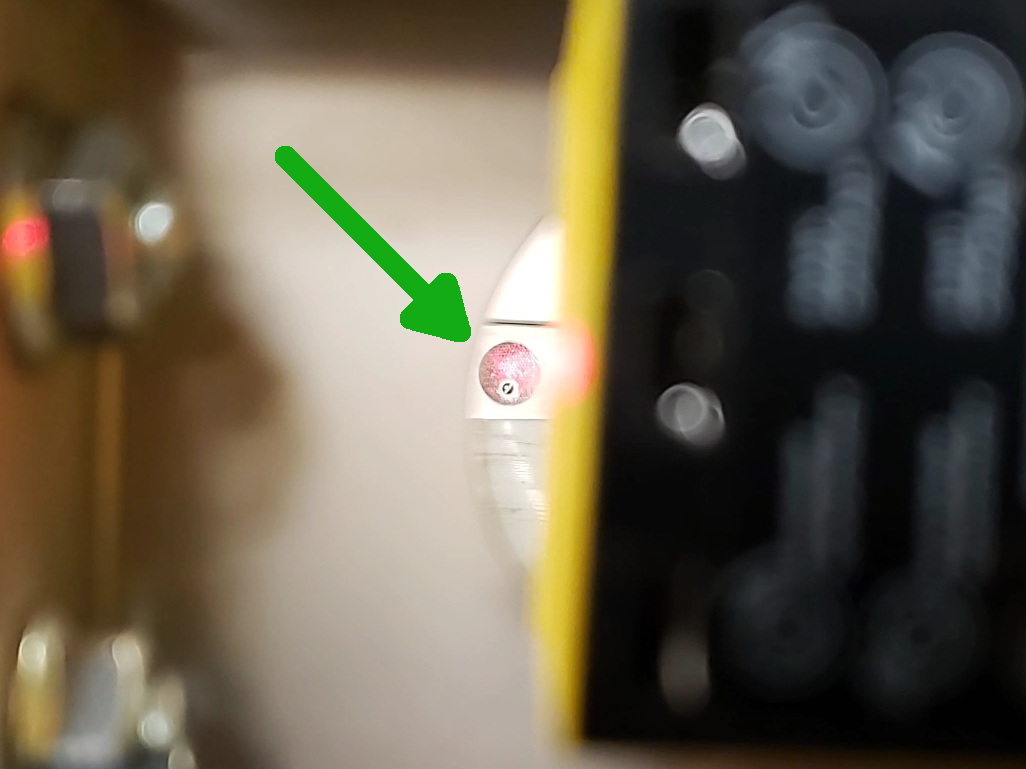
To align the eye, position your eye behind the photo eye so you can see the reflector on the other side of the belt. You will be looking through the same hole that the photo eye "looks" through. Move the photo eye in its bracket until you see the
entire reflector engulfed in red light. Then, lock the photo eye in position.
Conveyor side sheets may move when loading or moving the belt. When moving, the photo eyes can lose the signal if the photo eye is not aligned properly. This causes errors in moving batches or cakes.


